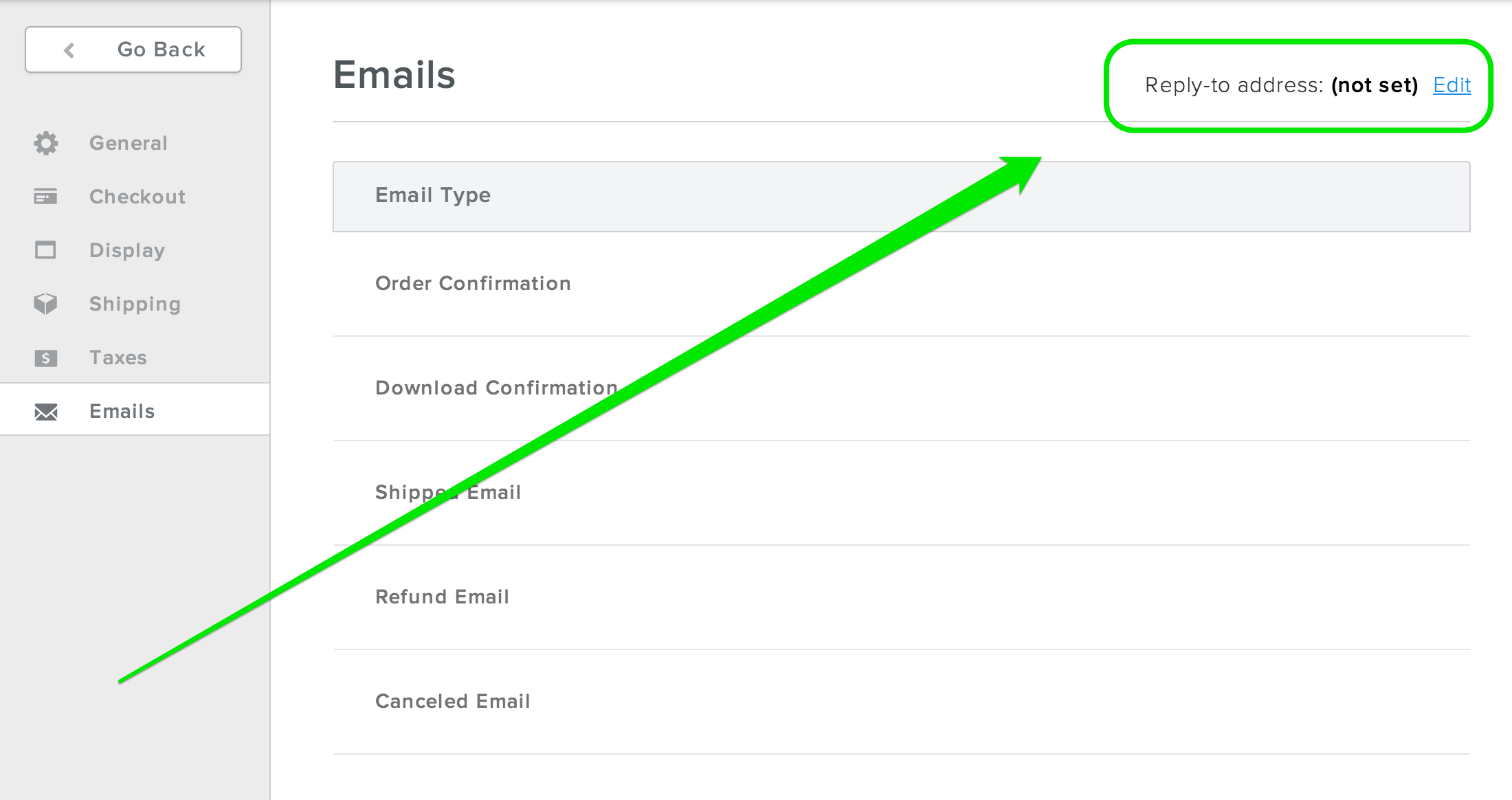
There are five automated emails that may be sent to your customers after they make a purchase through your store. These emails are:
- Order Confirmation - This email is sent out when a customer completes an order so that they'll have a record of the transaction.
- Download Confirmation
- This is an Order Confirmation that's sent specifically to customers
who purchased a downloadable item (like a song or movie) from you. This
confirmation includes a link, or links, to download that item.
- Shipped Email - An email you can automatically send out when you mark an order as shipped via the Orders section of your Store dashboard.
- Refund Email - An email you can automatically send out when you refund an order via the Orders section of your dashboard.
- Canceled Email - An email you can automatically send out should you cancel an order via the Orders section of your dashboard.
You can personalize these emails by visiting the Emails section found under the Settings area of your Store tab.
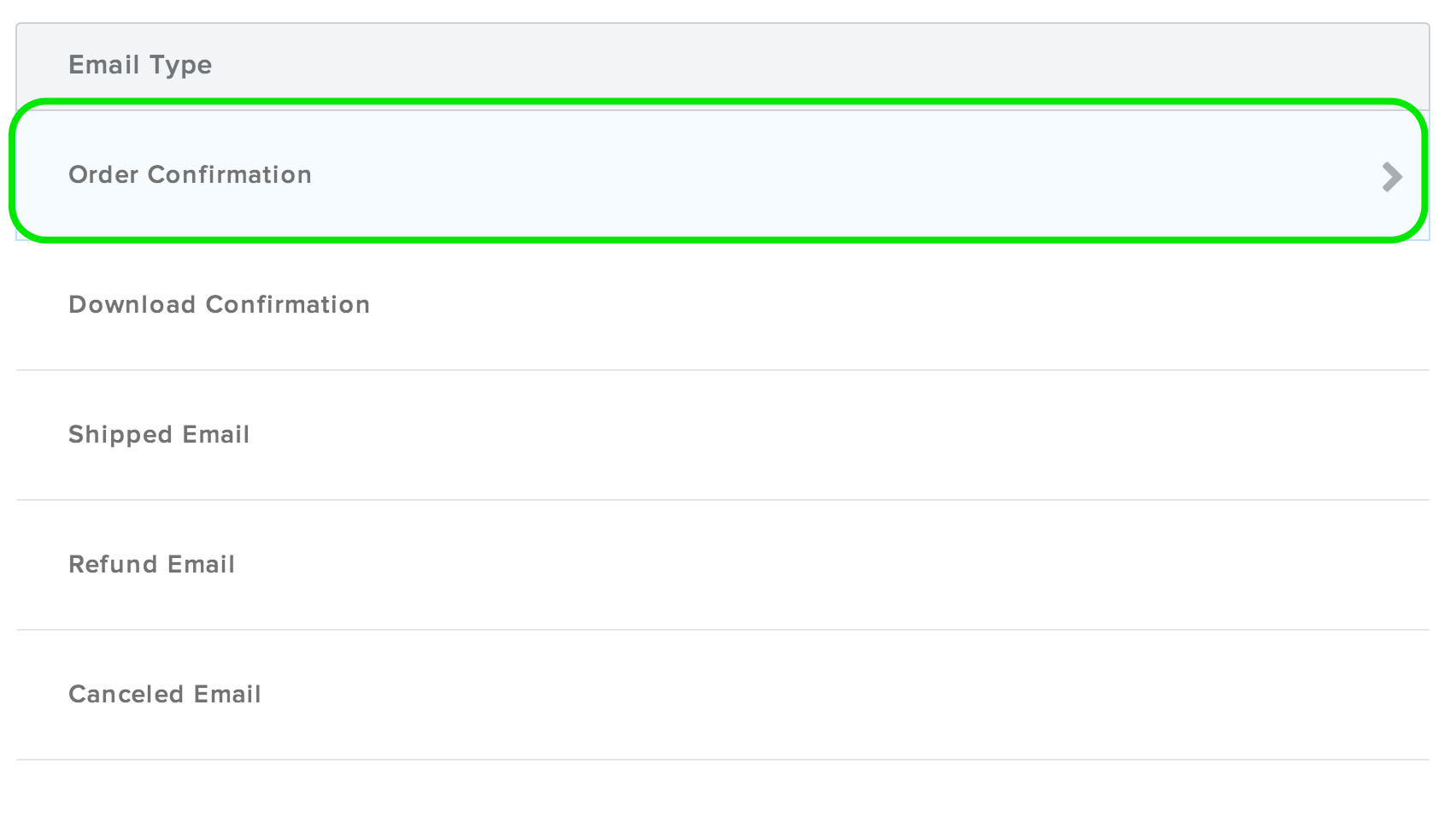
Each of these can be altered by clicking on the name of the email. 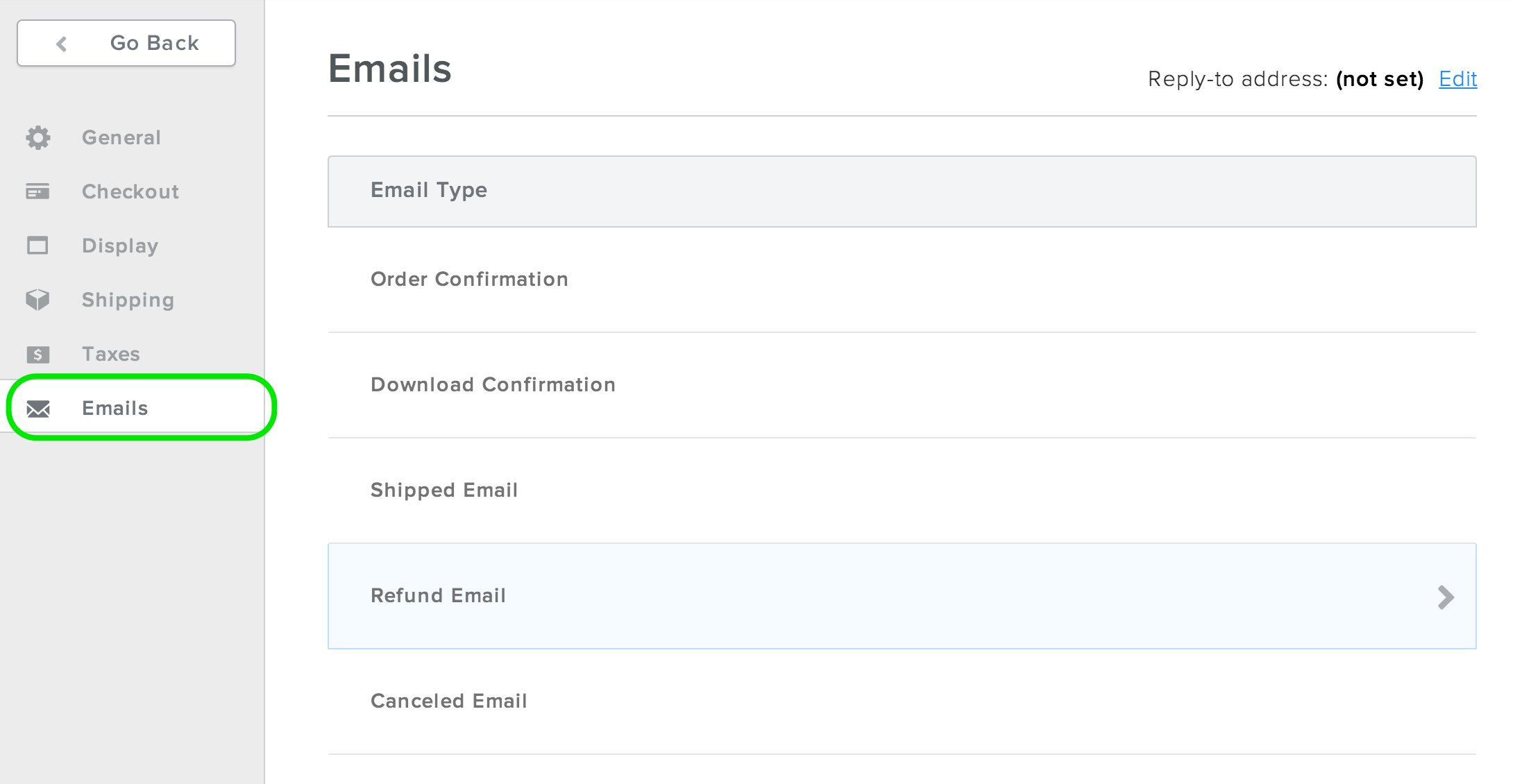
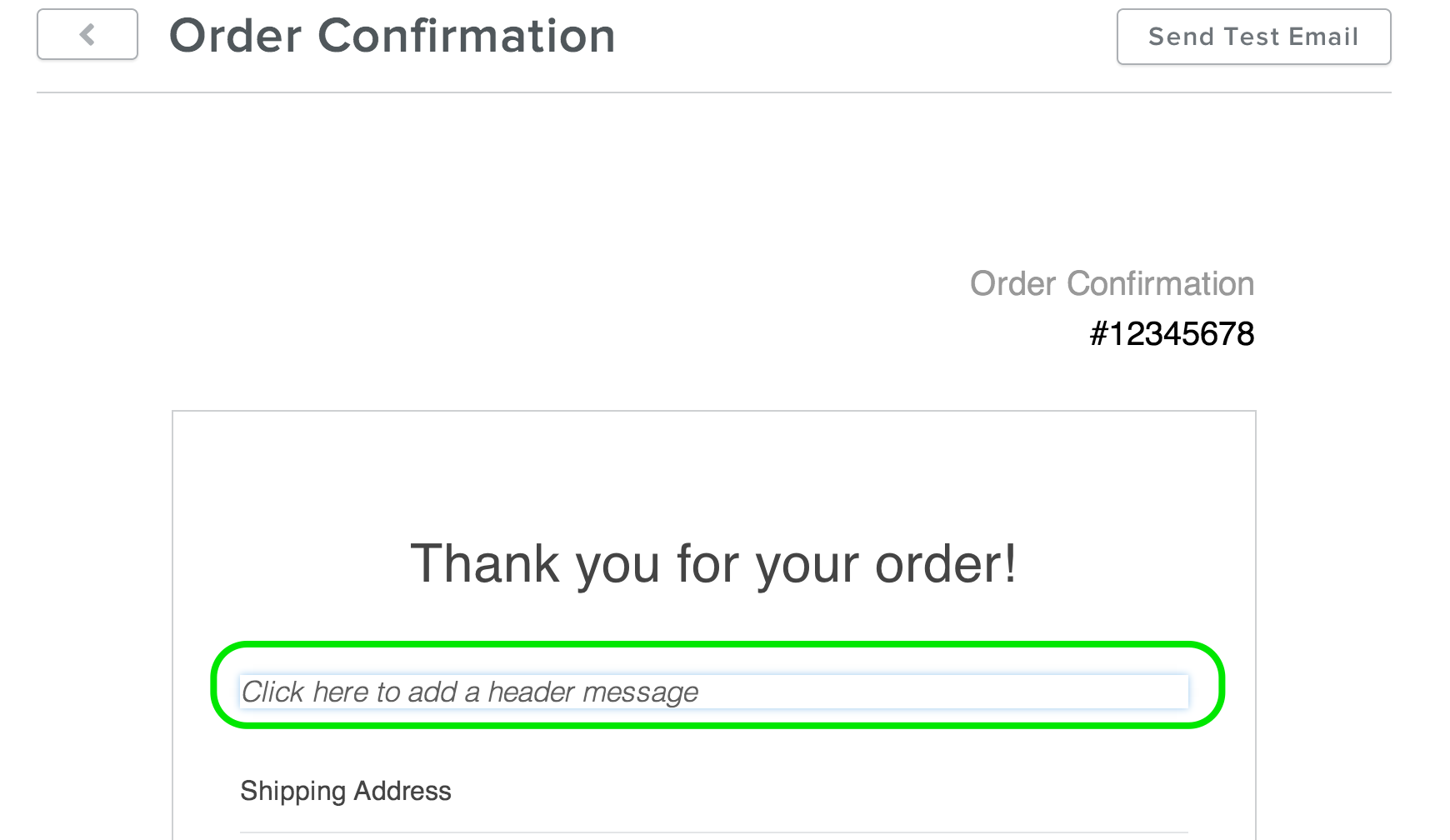
And by clicking in the footer message area:
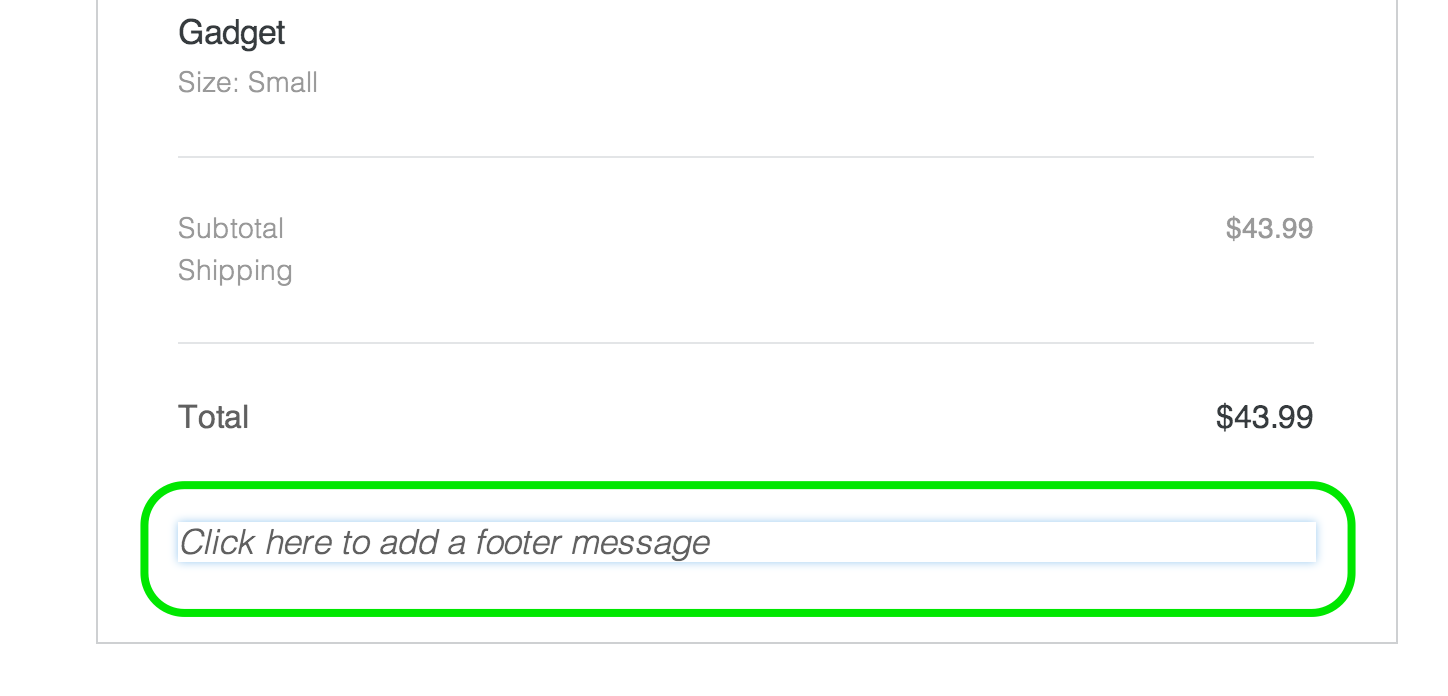
Clicking on either of these opens a dialog box where you'll type your message.
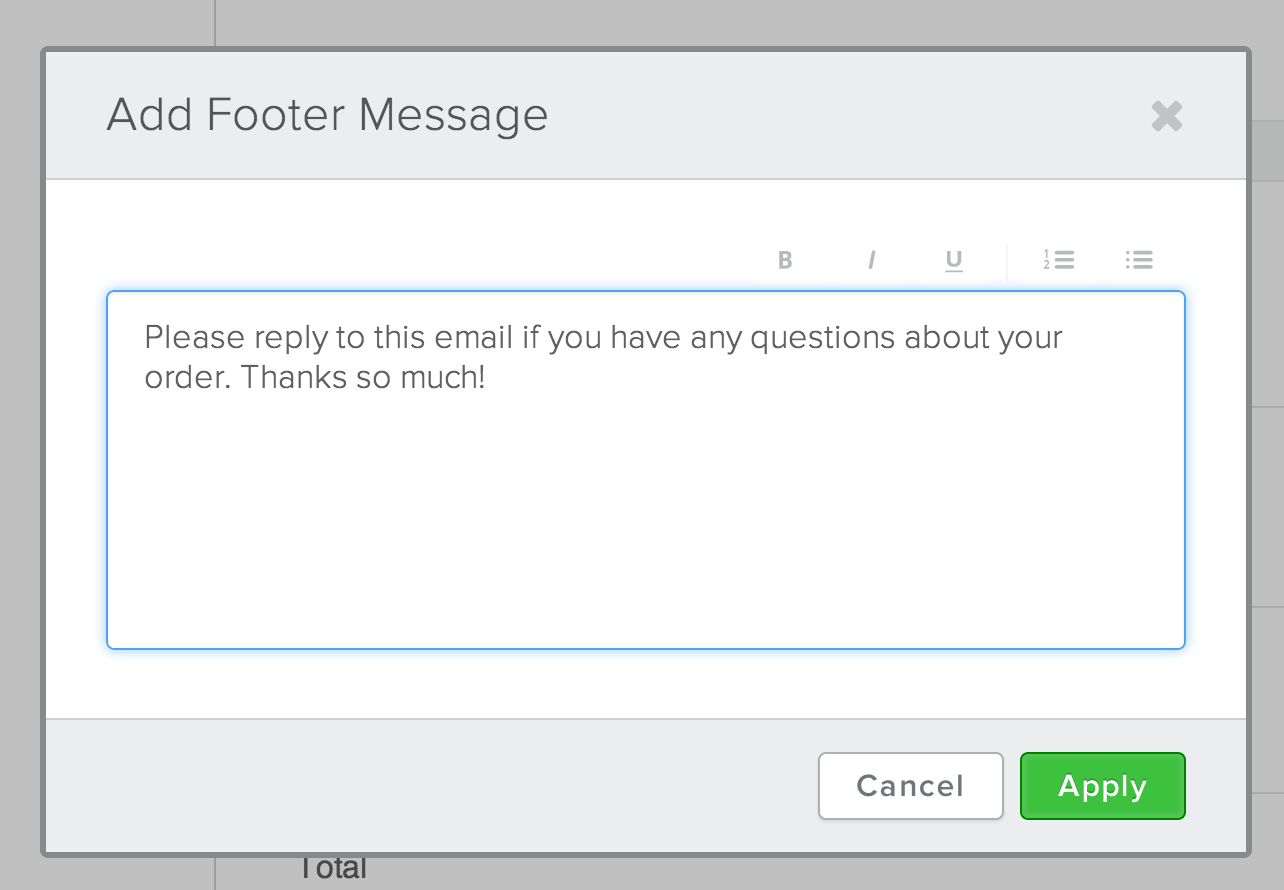
Once you've edited the email, feel free to send yourself a test message to see exactly how it'll look to your customers.
Replies to any of these emails are sent to the address you used to sign-up for your Eskedy account unless you change the reply-to address found in the upper right of the Emails section.