You can add coupons to a store using the Add Coupon button found in the Coupons section of the Store Dashboard.
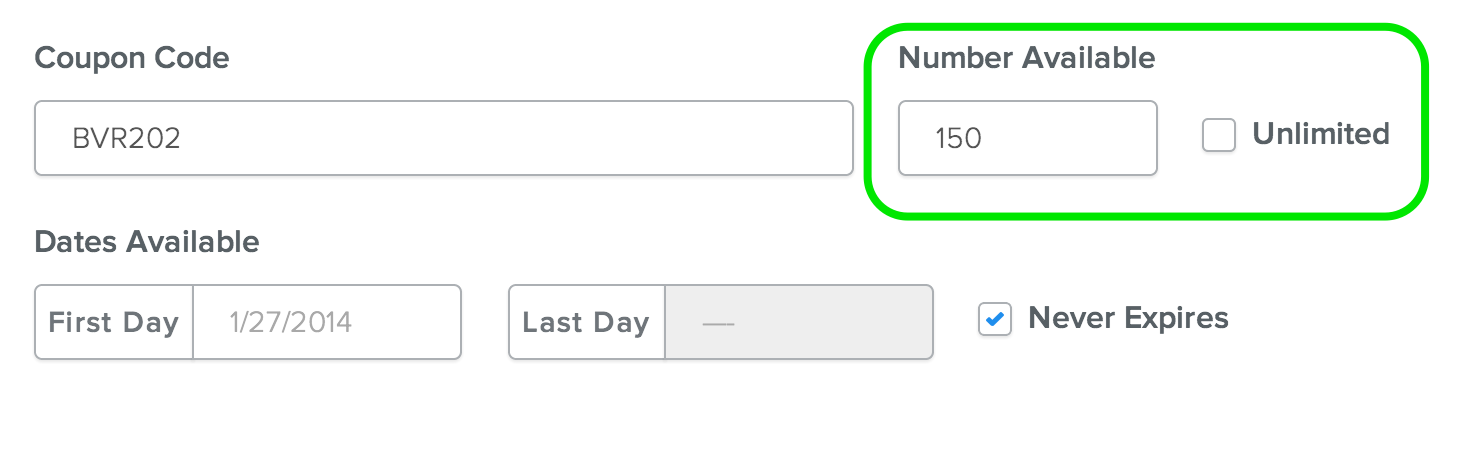
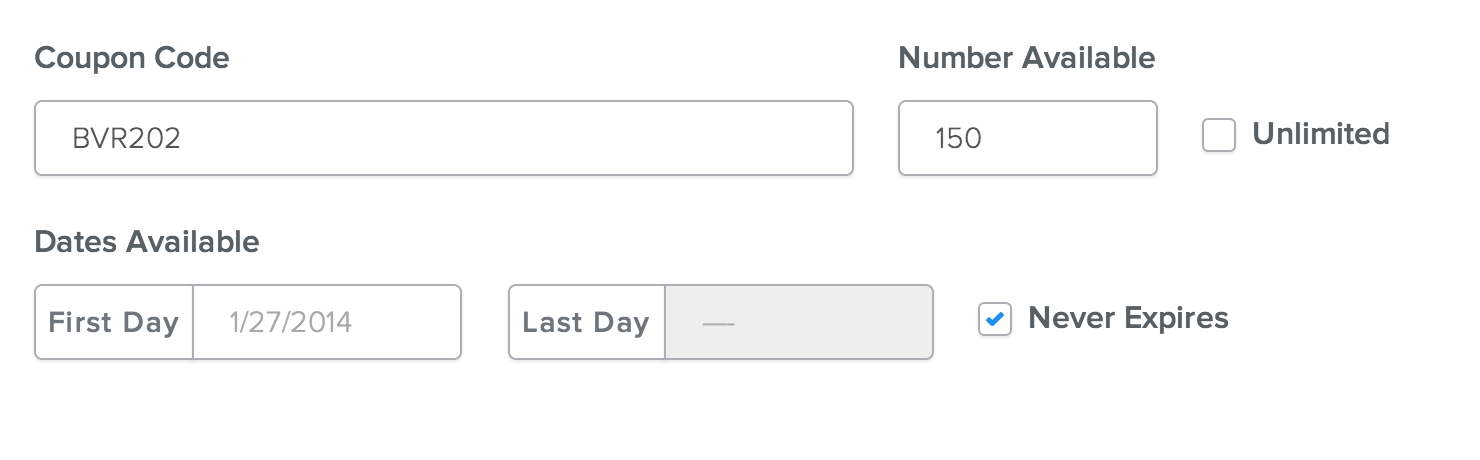
Every coupon needs to have a code. This code is what your customers
enter during checkout, so you'll want it to be short enough so that it's
not a hassle to enter but not so short that it's too easy for a random
person to guess.

You can check the Unlimited box to allow any number of customers to use the coupon or limit use to a set number of customers (like the first 150, for example) by entering that number in the Number Available box.
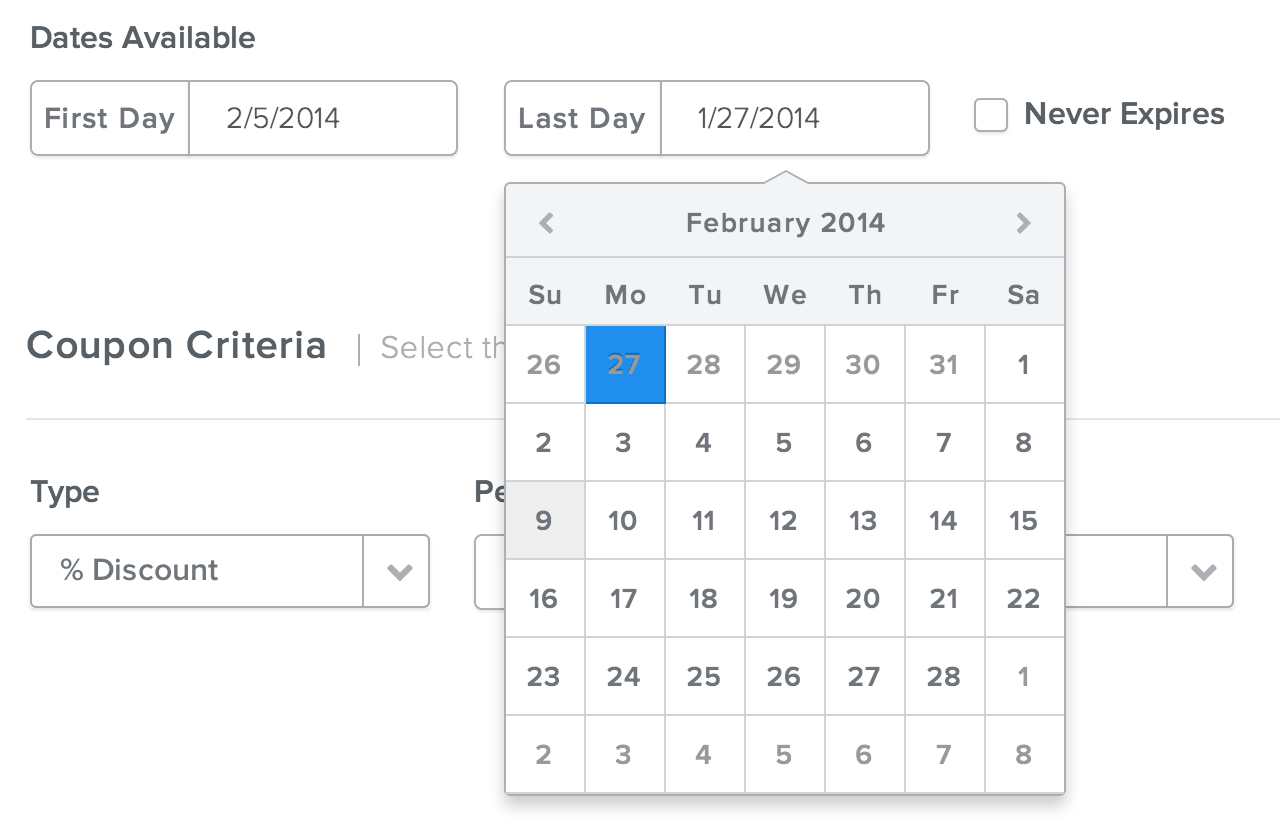
The Coupon Criteria section is where you'll choose the kind of discount provided through this coupon. There are three kinds, each with its unique set of options:
- % Discount
- $ Discount
- Free Shipping
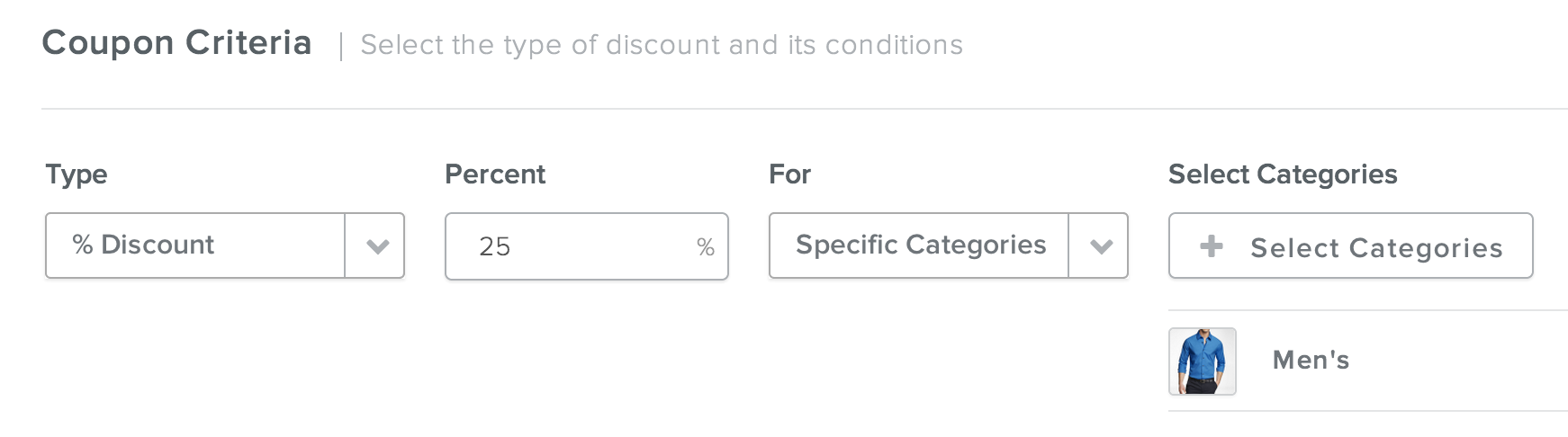
With the % Discount you can provide a set percentage off the total cost of an Entire Order (that's All Orders), an entire order that goes over a certain dollar amount (Orders Over), products that are listed in Specific Categories of your store, or individual products that you select from a list.
In the example below, I've created a 25% off Coupon for any products purchased from the Men's Category of a clothing store.
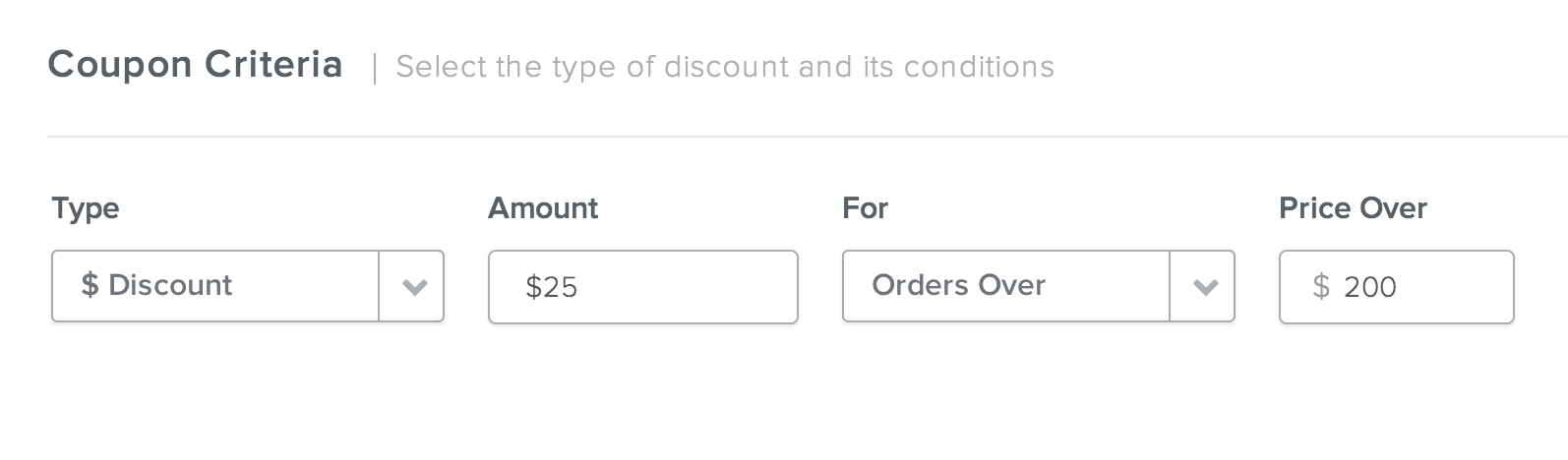
With the $ Discount you can provide a discount of a set numbers of dollars off the total cost of an Entire Order (All Orders), an entire order that goes over a set dollar amount (Orders Over), products that are listed in Specific Categories of your store, or individual products that you select from a list.
In the example below, I've created a $20 off Coupon for any order that exceeds $200.
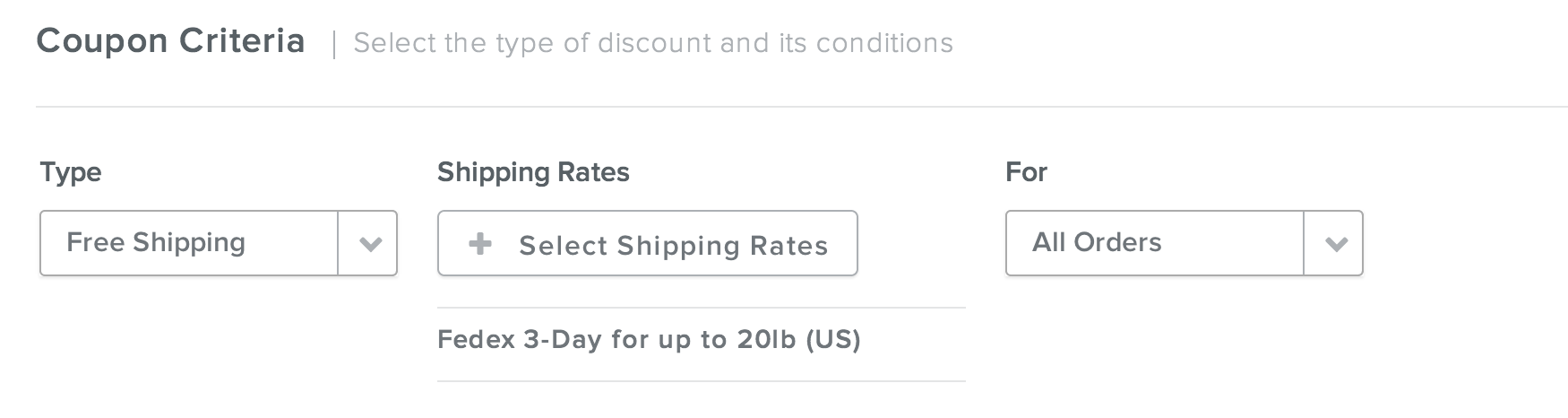
With Free Shipping you can provide the option of Free Shipping (you select which shipping is provided for free from the Shipping Rates you've previously setup via the Shipping area of Settings) for All Orders, an entire order that goes over a set dollar amount (Orders Over), orders that incorporate products from Specific Categories, or orders that incorporate individual products that you select from a list.
In the example below, I've created a Free Shipping Coupon for Fedex 3-Day Shipping on All Orders.
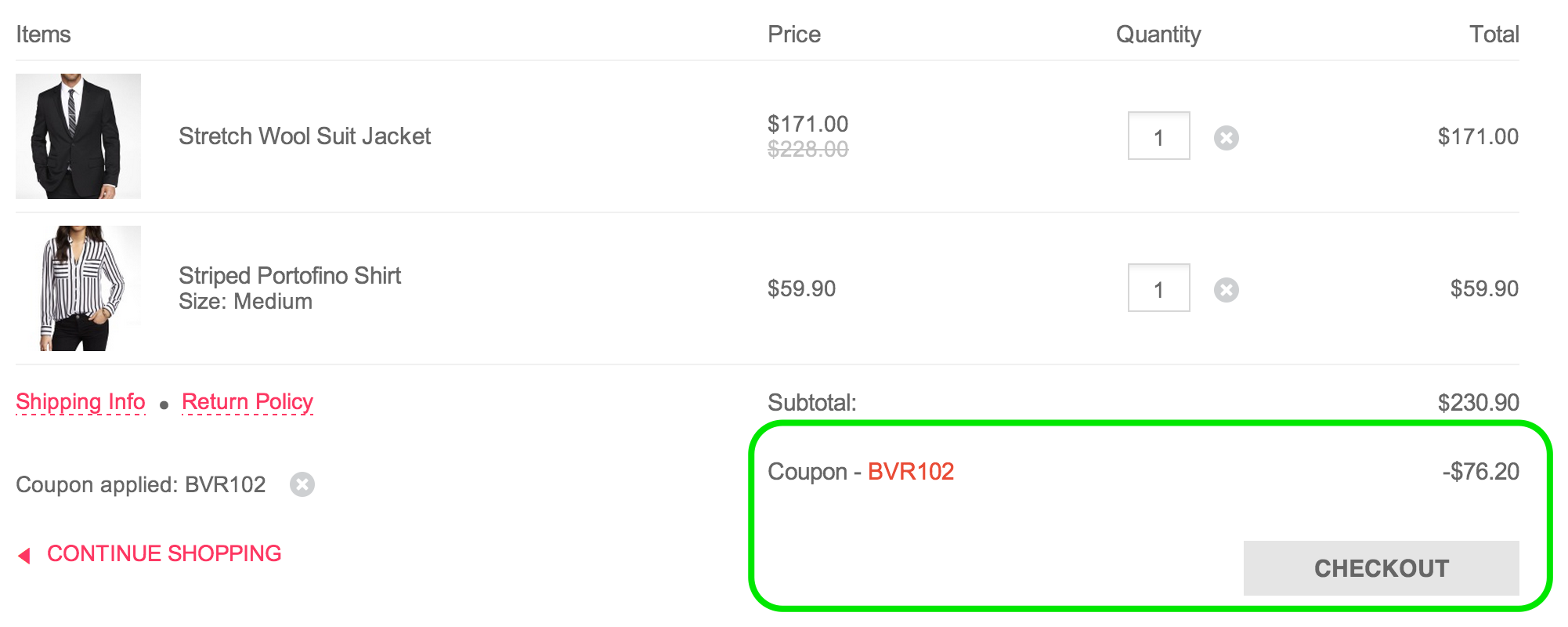
Once you've Saved your coupon and Published your site (the coupon will not work unless the site is published at some point after it was created), customers will be able to enter the Coupon during checkout on any orders that fit the criteria and limitations you entered while creating the coupon.
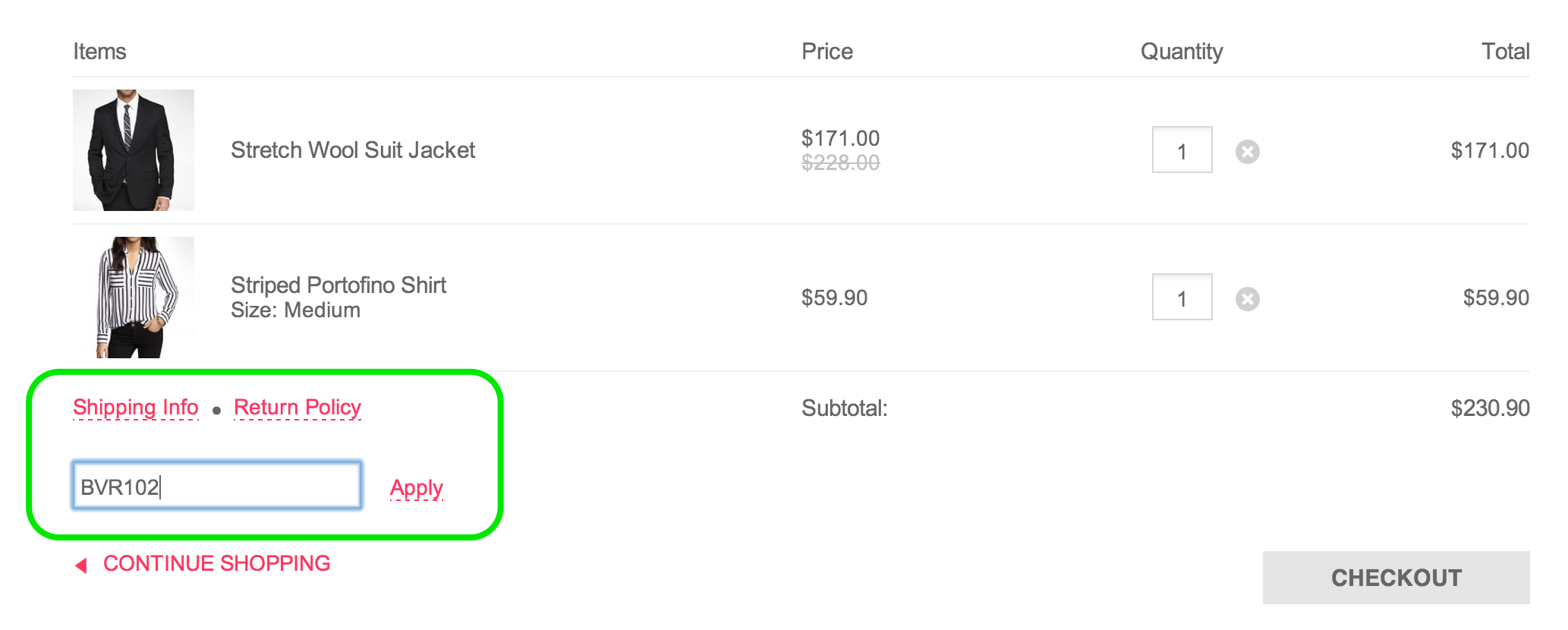
Customers will see their discount applied immediately after entering the coupon code. All discounts are applied pre-taxes and pre-shipping.