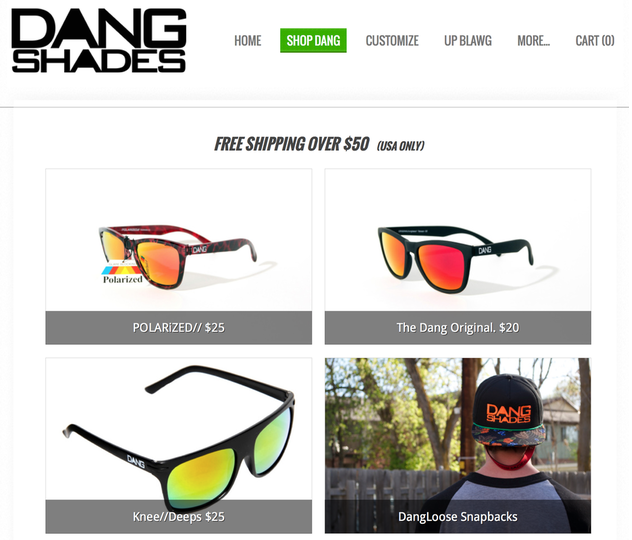
Your Storefront is essentially a well organized table of contents that shows of the products and categories found in your store. Think of it as your store's homepage. It'll look something like this example from Eskedy's customer Dang Shades:
The first step in setting up a dynamite Storefront is to create appropriate categories into which you can sort your various products. If you haven't done that yet, please read our short guide to categories.
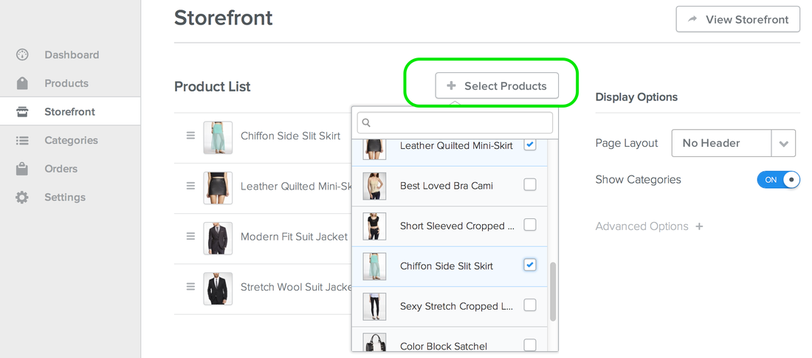
The second step is determining which products (if any) you'd like to feature on your Storefront. Featured products display directly beneath your categories in the Storefront table of contents, making it more likely a customer will see them. Use Select Products to choose which products to feature.
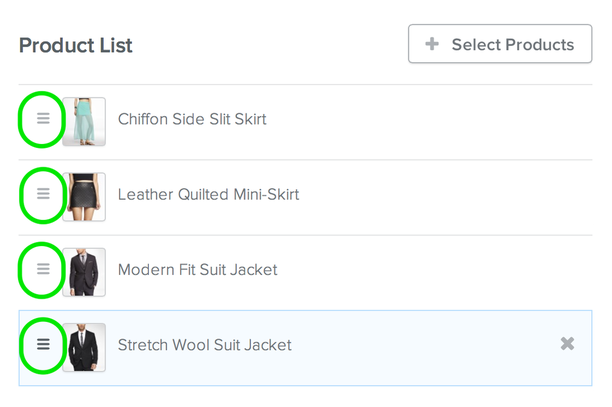
And click + drag products up or down to change the order in which they're displayed.
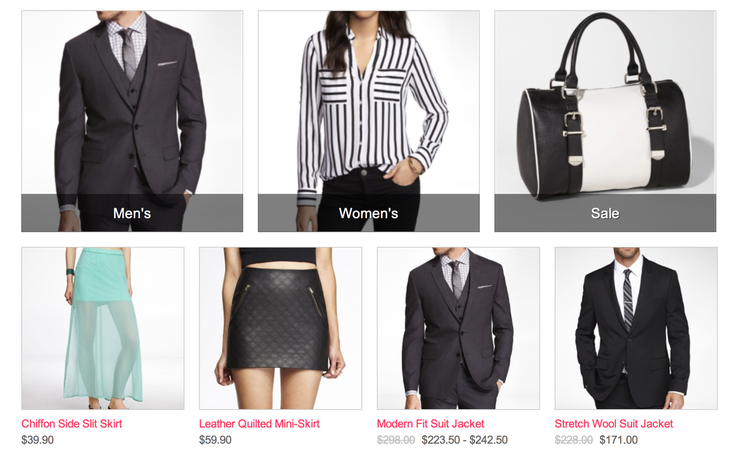
A Storefront for a clothing store that included three product categories and featured four products would look like this one:
Your Storefront should automatically appear as a link in your site's navigation.

If you want to give the page a name other than Store, you can go to the Pages tab to enter a different name.
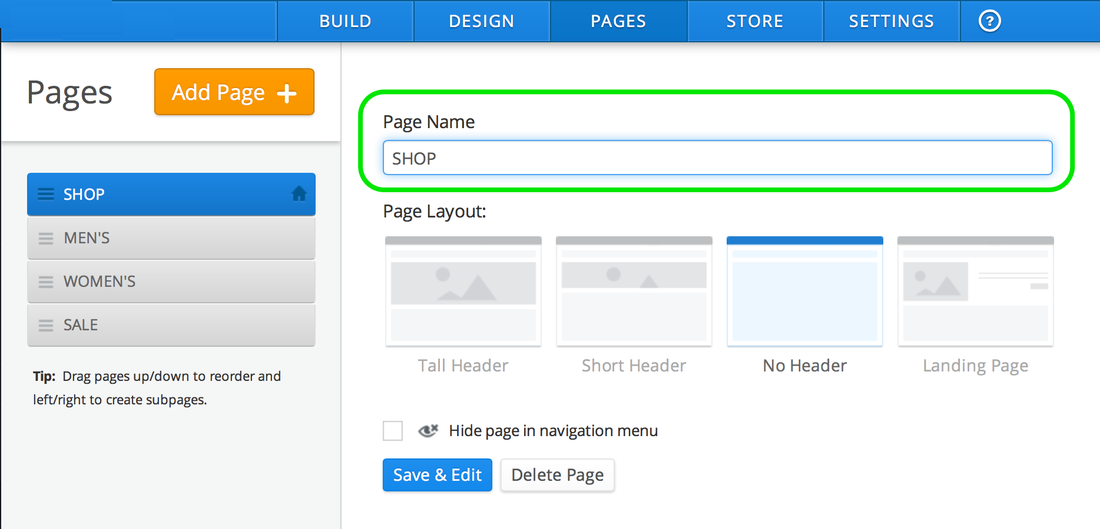
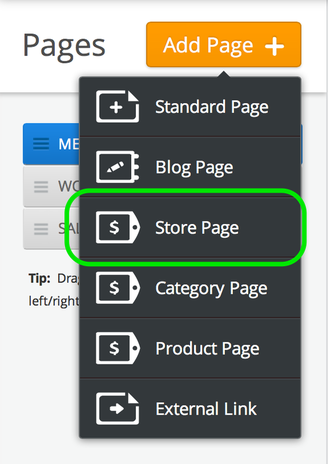
And what if you don't see a Storefront link in your navigation? Add one by clicking Add Page and choosing Store Page from the drop-down menu.