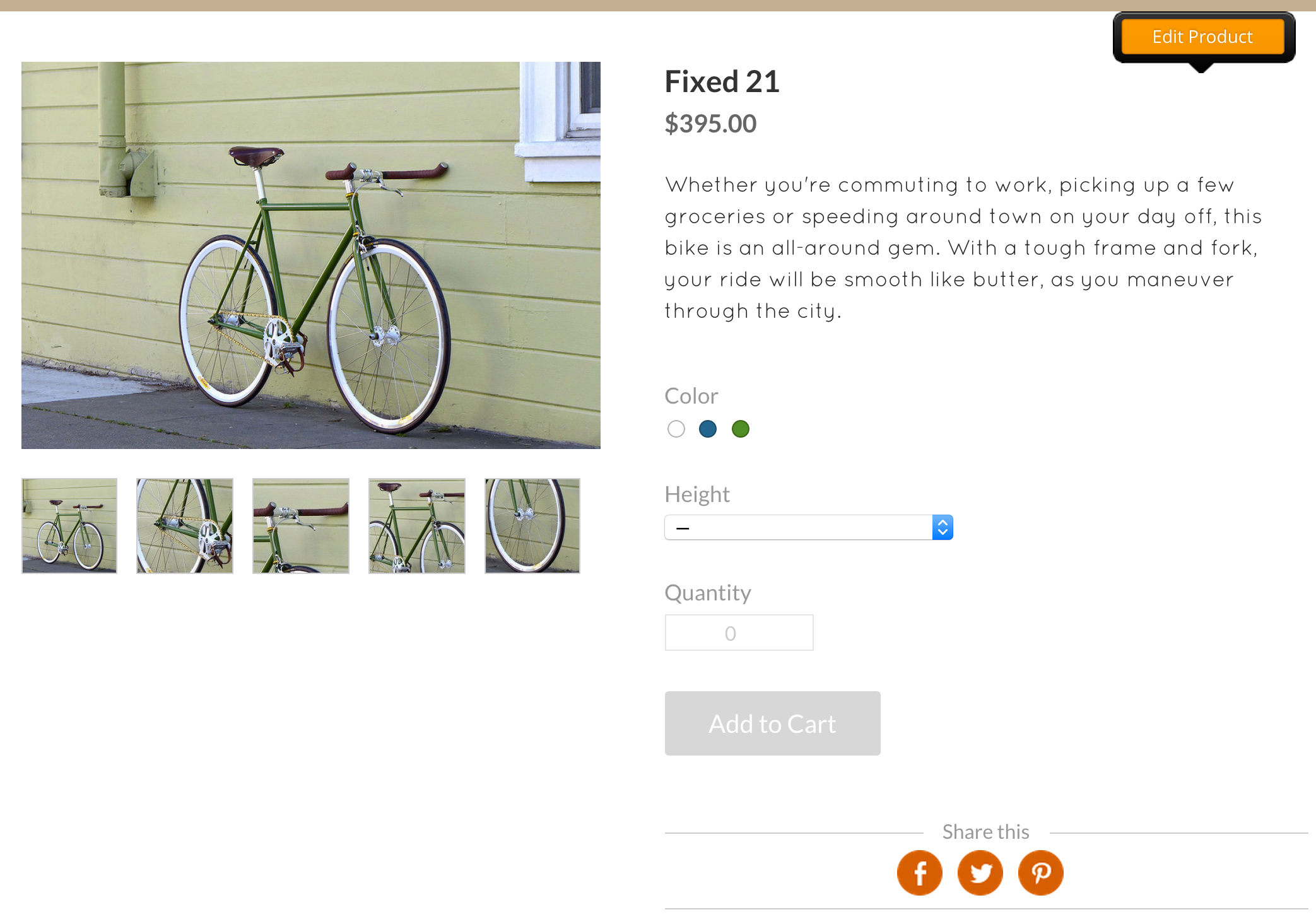
Start by going to the Store tab and selecting the Products section; you'll find an Add Product button.
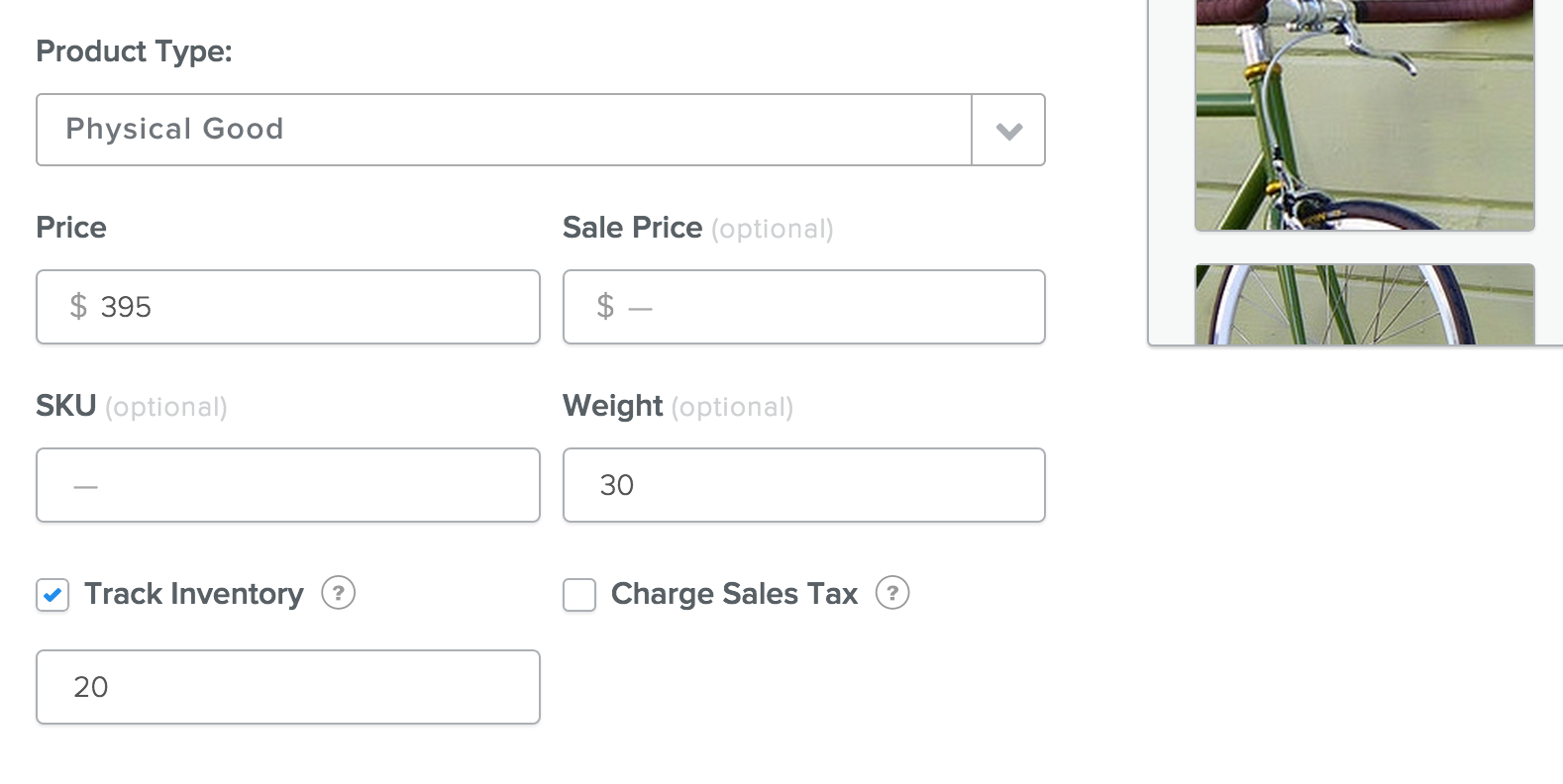
From here you can quickly type up a description, enter a price, and add photos.
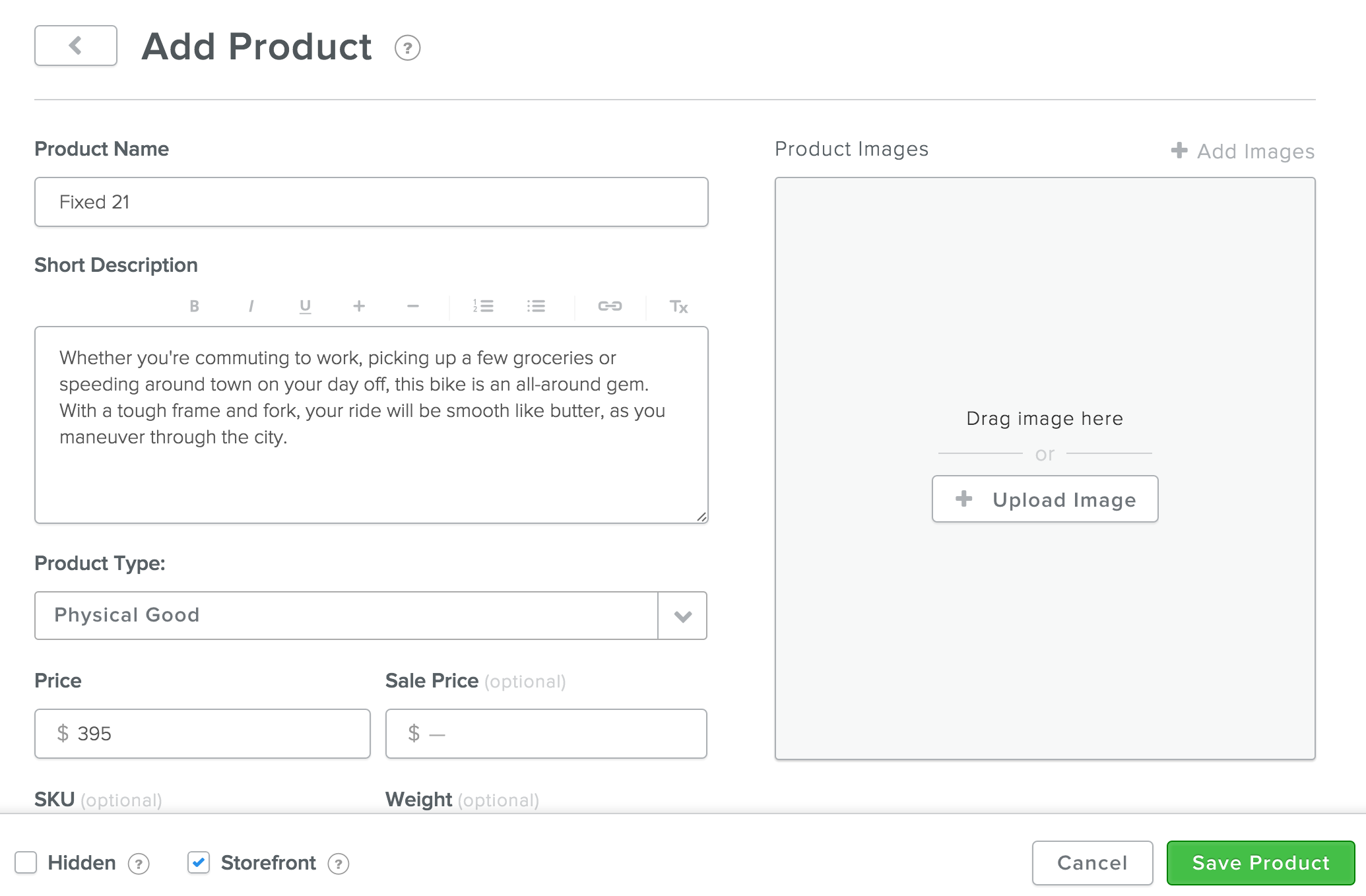
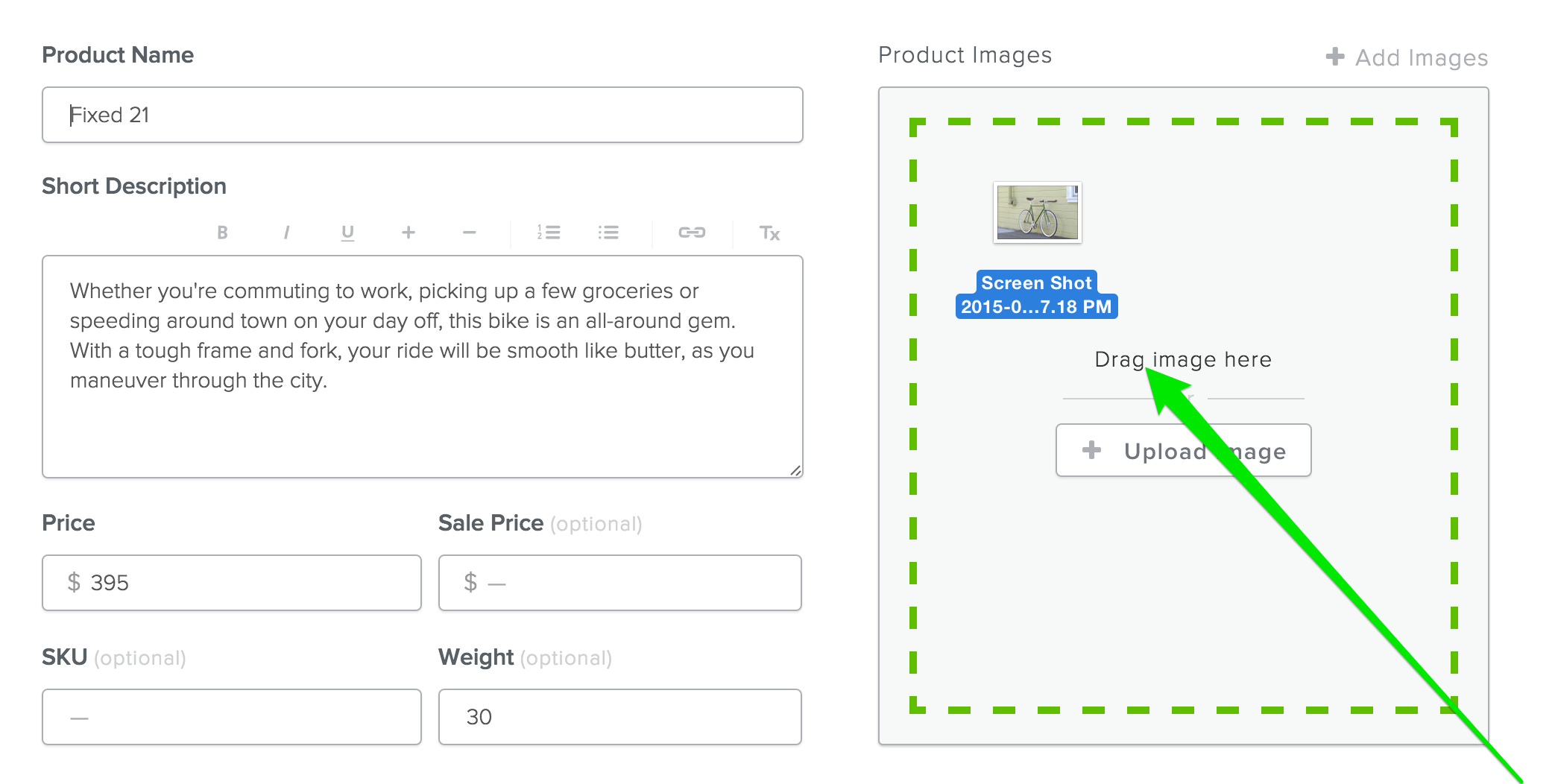
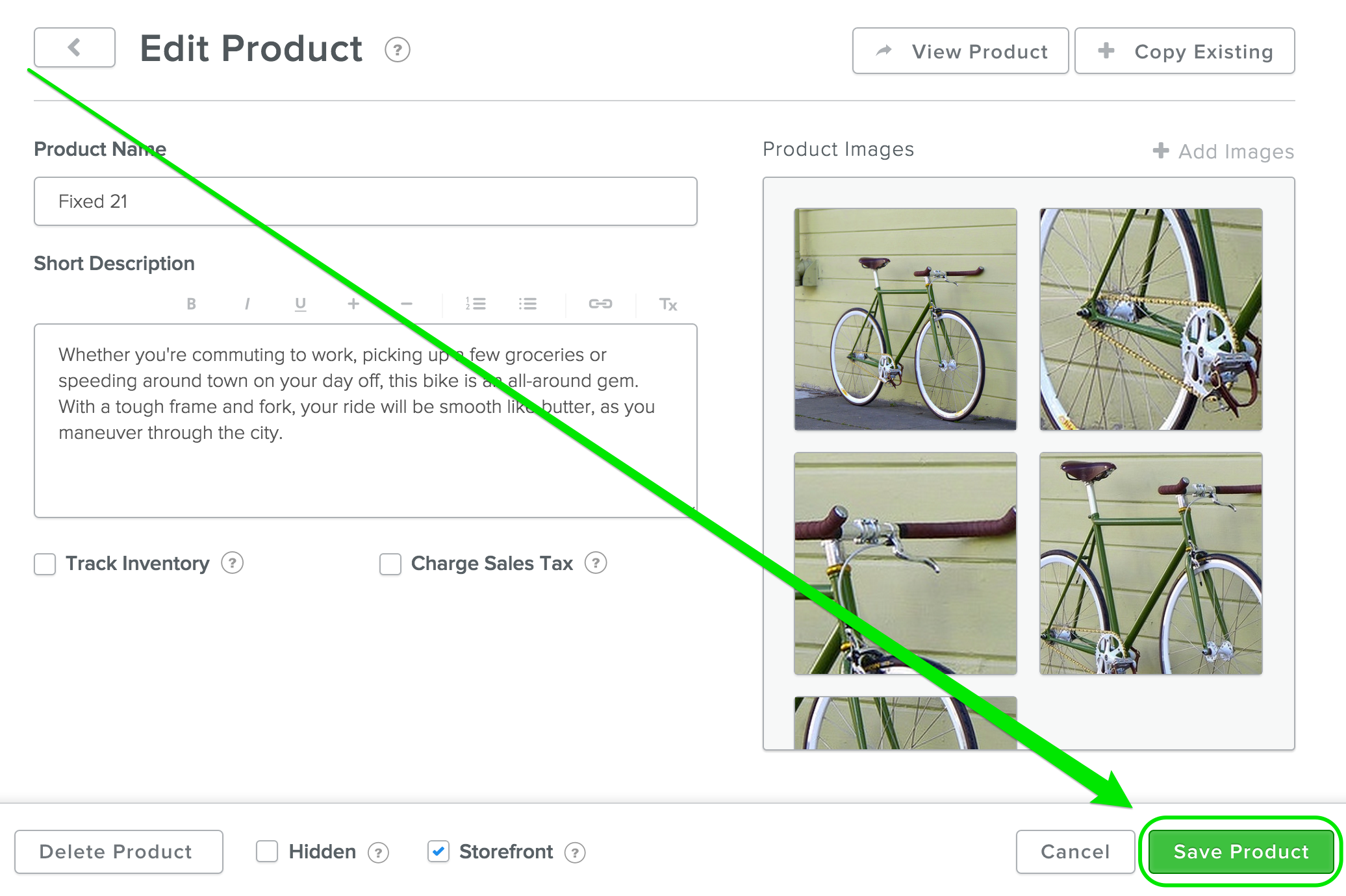
Photos are added by dragging them into the Product Images box or by clicking the Upload Image button.
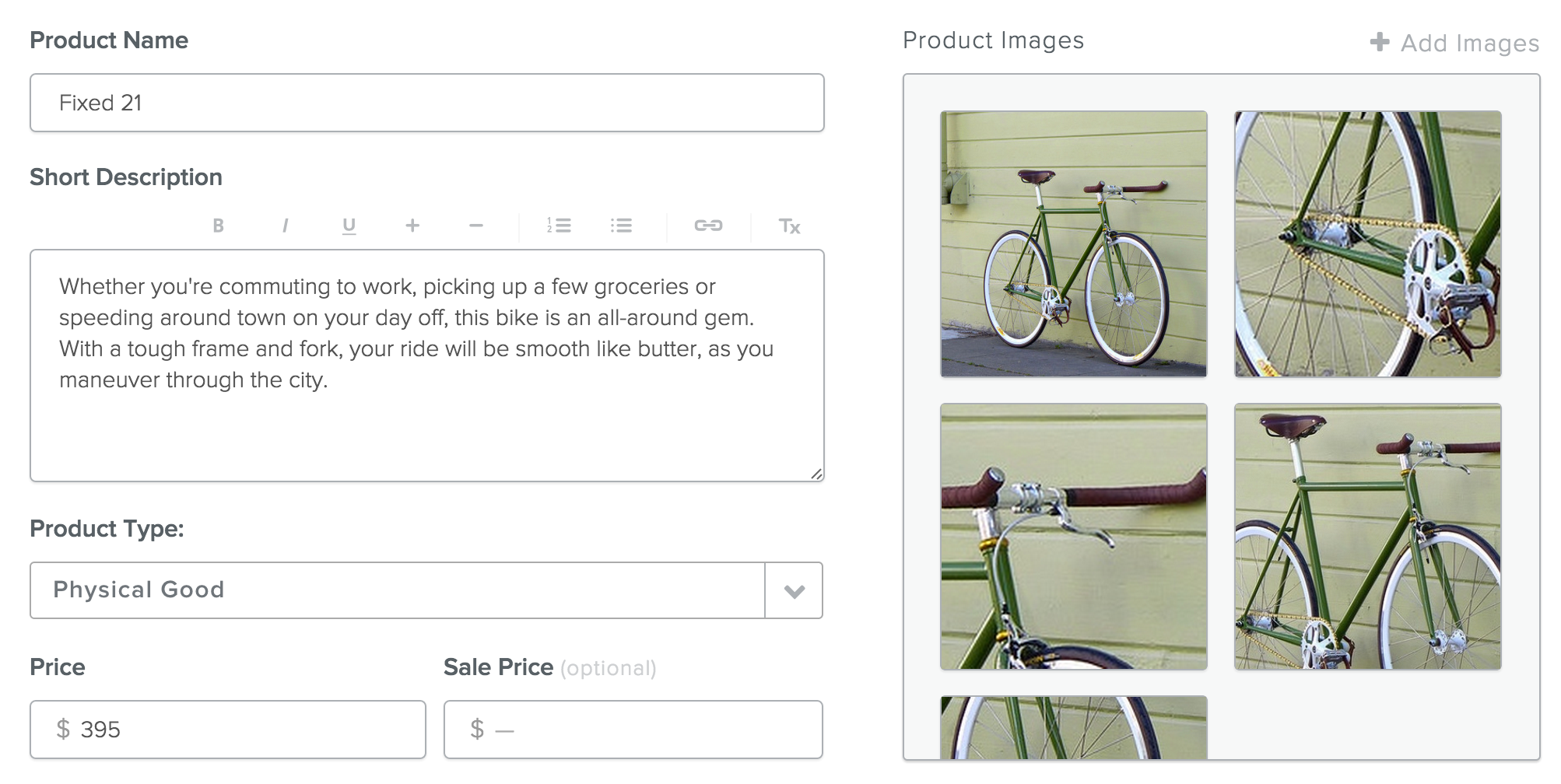
There are no set limits on the number of images you can upload for an individual product. If you add more than one image, the images will show up as a clickable slideshow on your site.
You can set a product Weight (which can come in handy when calculating shipping), Track Inventory so both you and your customers can see how much of an item you have in stock, and Add Options like size and color to the product listing.
When you're done, Save Product using the green button in the lower right. You'll be able to edit the product and make changes to it at any time, so don't worry if a product listing isn't perfect yet.
After a product is saved, it'll automatically look something like this to your store's visitors: