
Eskedy Site Builder is an easy way to build a fantastic site, but that doesn’t mean a little guidance can't make it even easier.
All the basics you need in order to put together your first (second, third, fourth, seventeenth) site can be found here in our Beginner's Guide. We’ll even show off example sites from our actual customers throughout to spark inspiration that'll help bring your own ideas to life.
Take some time to read through this guide and you’ll be an expert in about the time it takes to read a Raymond Carver short story. Except without all the suburban angst.Select a Theme
The first step on the road to building your site is selecting a theme. There are well over a hundred themes to choose from (with more added every month) and you can look them over with a quick scroll through our Choose a Theme page.
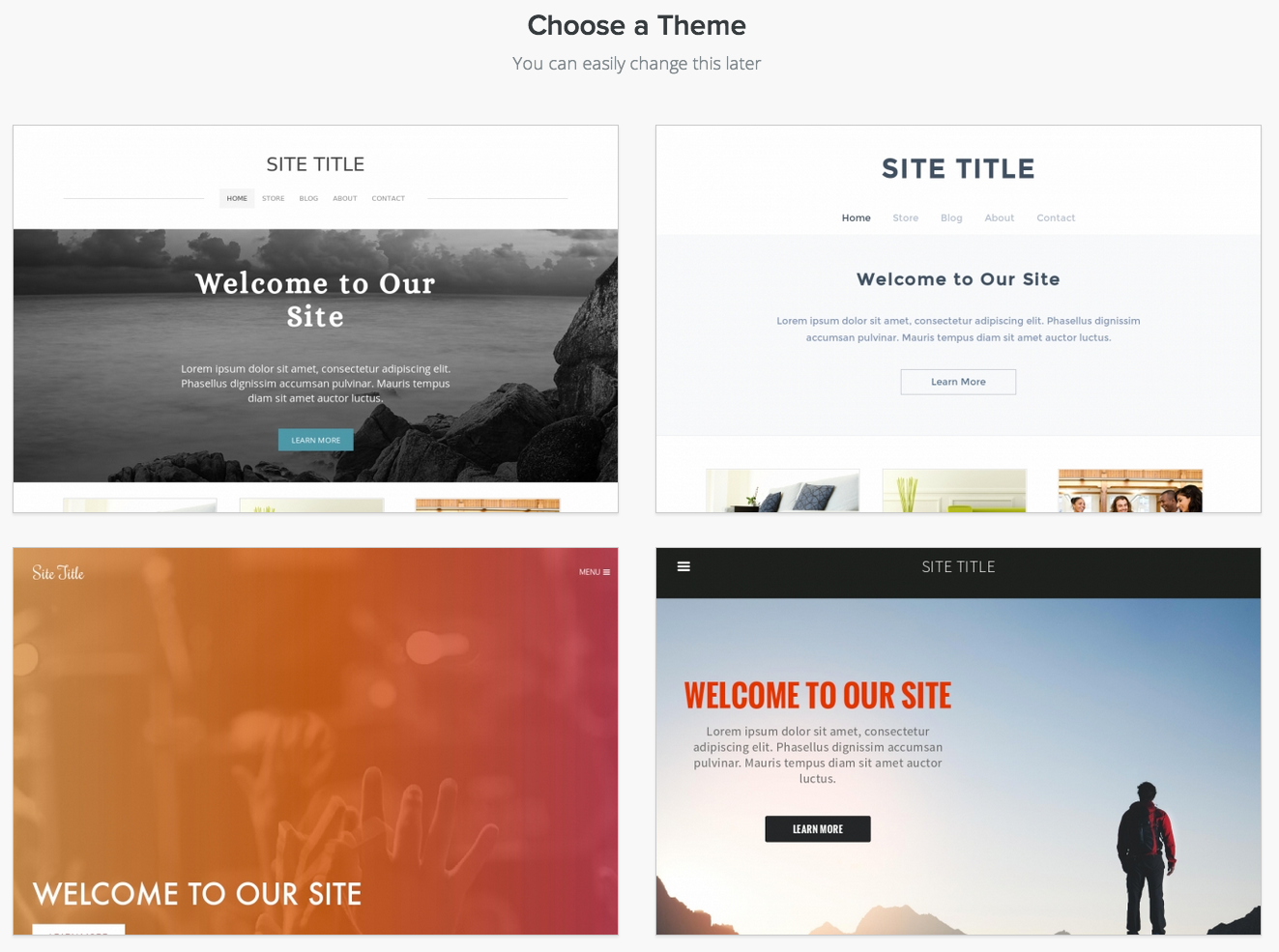
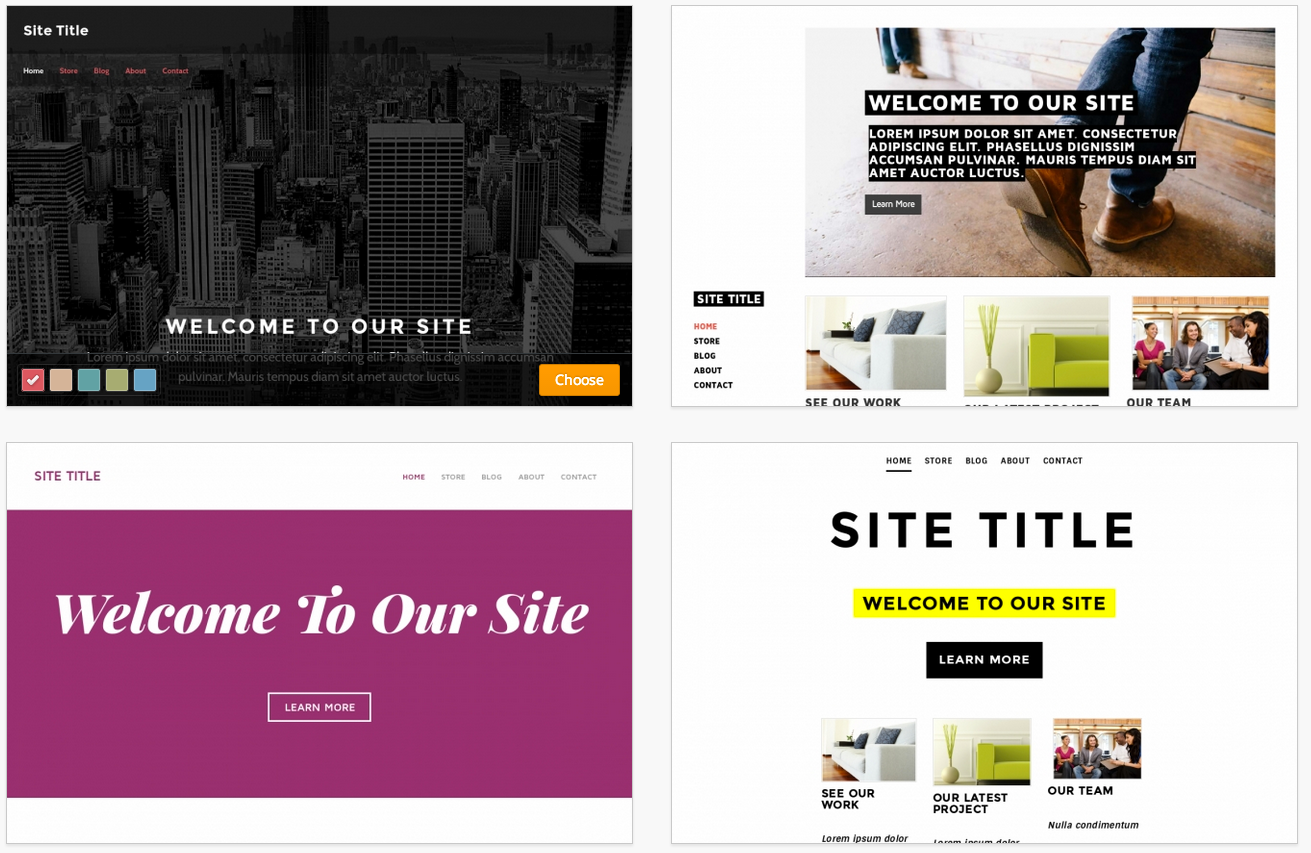
See a theme you like? Mouse on over and Choose it.
We know it
might be a touch overwhelming to choose exactly which theme you want
before you've even started working on your site, but there's no need to
fret since you can very easily change the theme later (and we'll show
you how). For now just find a theme that looks good and run with it.
After you pick a theme you'll be asked to choose
your site's address / domain name. This isn't particularly important
until you've finished your site and Published it, so if you don't
already have an official domain name in mind the simplest thing to do is buy a new domain from Eskedy.com
Much like the theme and the title, this is yet another part of the site that's easy to change, and we'll cover domain names in more detail later in this guide.
That's it for the initial setup. Let's start building the site!